AI assistants are everywhere—but they're isolated. Each one lives in its own bubble, unable to access your data, your tools, or your workflows. The Model Context Protocol (MCP) changes this fundamentally.
Think of MCP as USB-C for AI. Just as USB-C created a universal standard for connecting devices, MCP creates a universal standard for connecting AI assistants to data sources and tools. One protocol, infinite possibilities.
MCP is not just another API—it's a fundamental shift in how AI assistants interact with the world.
The Integration Problem
Modern AI assistants are remarkably capable—until they need to interact with your actual work environment. Want your AI to access your company's database? Custom integration. Need it to read your Google Drive? Another custom integration. Want it to control your development tools? Yet another custom integration.
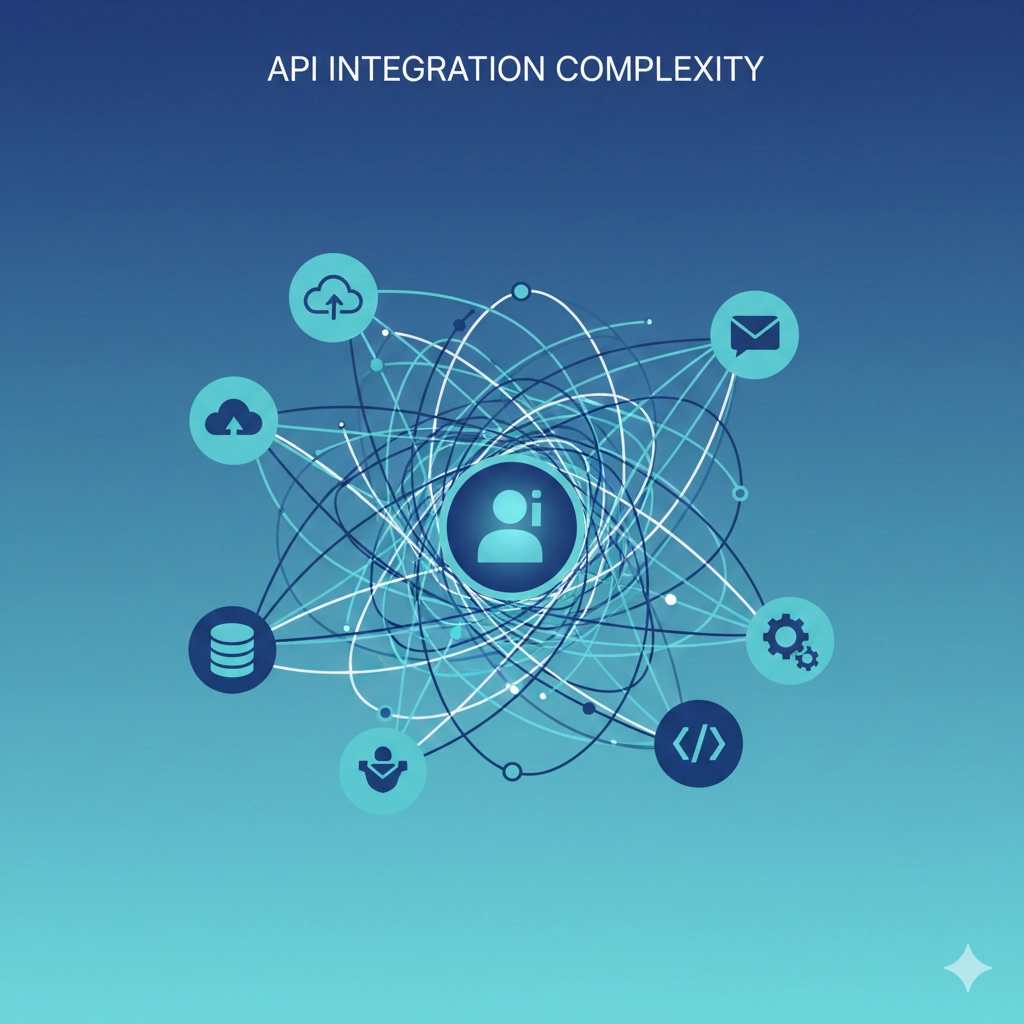
Every new integration requires custom development and maintenance
This creates a combinatorial explosion. With N AI assistants and M data sources, you potentially need N × M integrations. Each integration requires:
- Custom authentication logic
- Unique API client implementation
- Data transformation code
- Error handling and retry logic
- Ongoing maintenance as APIs change
MCP solves this by creating a standard protocol. Build one MCP server for your data source, and every MCP-compatible AI assistant can use it immediately.
💡 The Power of Standards
Standards don't just reduce duplication—they enable ecosystems. HTTP didn't just make web development easier; it made the web possible. MCP does the same for AI integration.
What is the Model Context Protocol?
The Model Context Protocol is an open standard that defines how AI assistants communicate with external data sources and tools. It was created by Anthropic and released as an open-source specification.
MCP operates on a client-server architecture:
- MCP Clients: AI applications (like Claude, IDEs, or custom tools) that want to access external resources
- MCP Servers: Lightweight programs that expose specific data sources or tools through a standardized interface
- MCP Protocol: The communication standard that allows clients and servers to understand each other
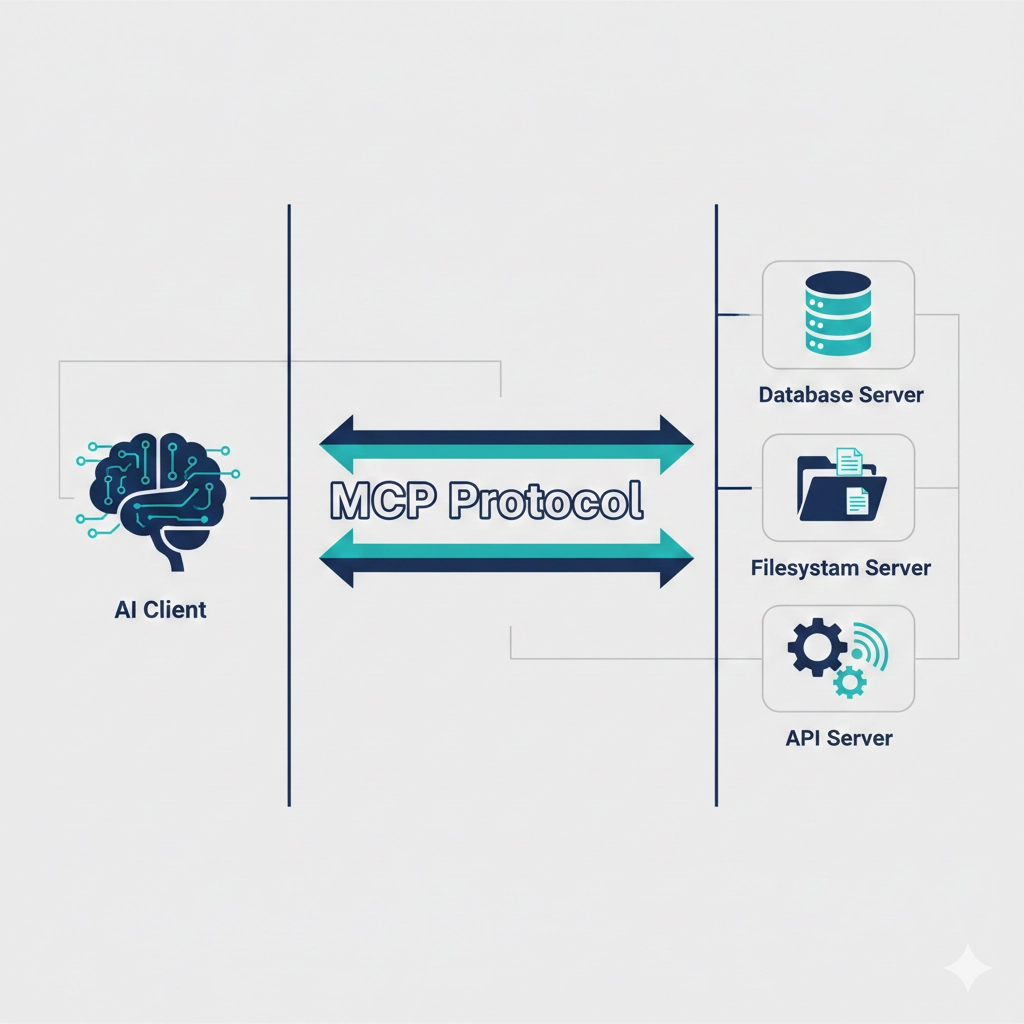
MCP creates a clean separation between AI clients and data sources
The protocol defines three core primitives:
- Resources: Data that AI can read (files, database records, API responses)
- Prompts: Templated conversations or instructions for specific tasks
- Tools: Functions that AI can execute (run queries, send emails, create tickets)
How MCP Works in Practice
Let's walk through a concrete example. Imagine you're building an AI assistant that needs to access your company's PostgreSQL database.
Without MCP: The Old Way
- Write custom code to connect to PostgreSQL
- Implement authentication and security
- Create functions to query the database
- Format results for the AI model
- Handle errors and edge cases
- Maintain this code as your database schema evolves
Now multiply this by every data source you want to connect. It's not scalable.
With MCP: The New Way
- Install an existing PostgreSQL MCP server (already written, tested, and maintained)
- Configure connection credentials
- Start the MCP server
- Your AI assistant automatically discovers available tables and functions
- The AI can now query your database using natural language
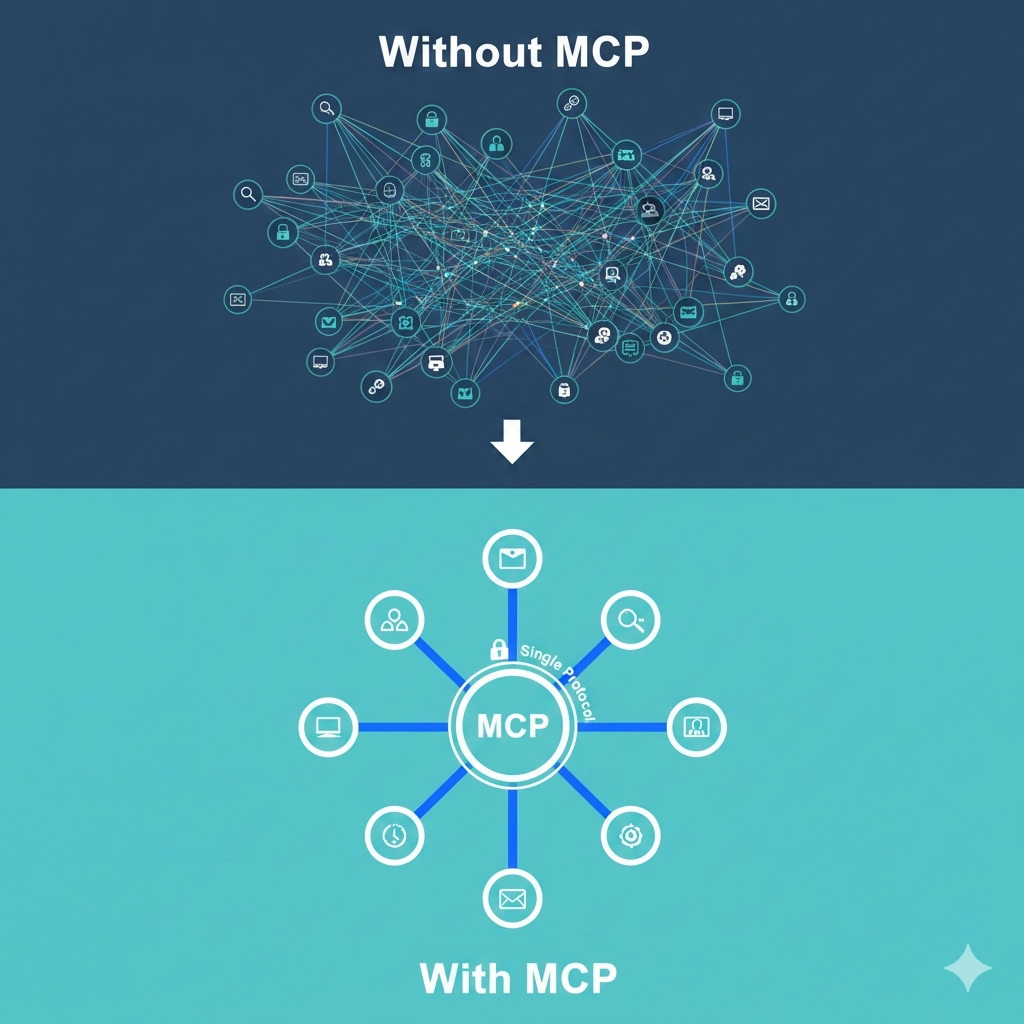
MCP dramatically simplifies integration architecture
The magic is in the standardization. The MCP client (your AI assistant) doesn't need to know anything about PostgreSQL. It just speaks MCP. The MCP server handles all database-specific logic.
The MCP Ecosystem
MCP's power comes from its growing ecosystem. Because it's an open standard, anyone can build MCP servers for any data source or tool.
Official MCP Servers
| Server | Purpose | Use Cases |
|---|---|---|
| Filesystem | Read and write local files | Document analysis, code generation |
| PostgreSQL | Query and modify databases | Data analysis, reporting, ETL |
| GitHub | Repository management | Code review, issue tracking, PR automation |
| Google Drive | Access cloud documents | Document search, content extraction |
| Slack | Message and channel operations | Team communication, notifications |
Community MCP Servers
The community has created MCP servers for virtually every popular service:
- AWS (S3, Lambda, DynamoDB)
- Databases (MongoDB, MySQL, Redis)
- APIs (Stripe, Twilio, SendGrid)
- Development tools (Docker, Kubernetes, Terraform)
- Productivity tools (Notion, Jira, Trello)
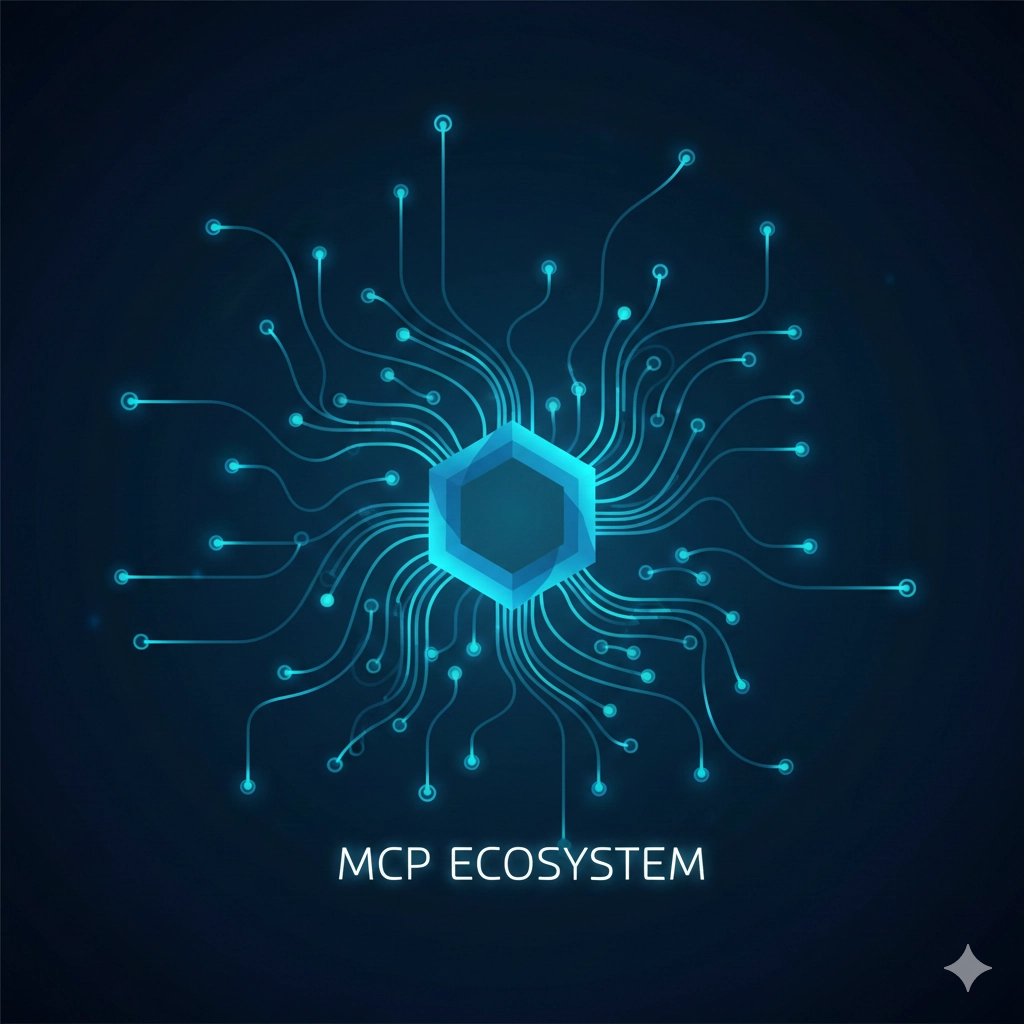
MCP creates a network effect—each new server makes the ecosystem more valuable
You can browse available servers at the official MCP registry, or search GitHub for "mcp-server" to find community implementations.
💡 Building Your Own MCP Server
Need to connect to a proprietary system? Building an MCP server is straightforward. The official SDK provides TypeScript and Python implementations. Most servers are under 200 lines of code.
Real-World Use Cases
Use Case 1: Intelligent Database Administration
A DevOps team uses Claude with an MCP server connected to their PostgreSQL monitoring database. Instead of writing SQL queries manually, they ask Claude natural language questions:
- "Which tables have grown the most in the last week?"
- "Show me slow queries from the past 24 hours"
- "Identify indexes that are never used"
Claude queries the database through MCP, analyzes results, and provides actionable recommendations. The team saves hours of manual query writing and data analysis.
Use Case 2: Automated Code Review
A development team connects Claude to their GitHub repository via MCP. When a pull request is created:
- Claude automatically retrieves the PR diff through MCP
- Analyzes code changes for bugs, security issues, and style violations
- Reads relevant documentation from the codebase
- Posts detailed review comments back to GitHub through MCP
The entire workflow is automated, consistent, and runs within seconds of PR creation.
Use Case 3: Customer Support Intelligence
A support team uses Claude with MCP servers for Slack, Zendesk, and their PostgreSQL customer database. When a customer issue comes in:
- Claude pulls customer history from the database
- Searches past support tickets for similar issues
- Identifies relevant documentation
- Drafts a personalized response with context from all sources
- Posts updates to Slack for team visibility
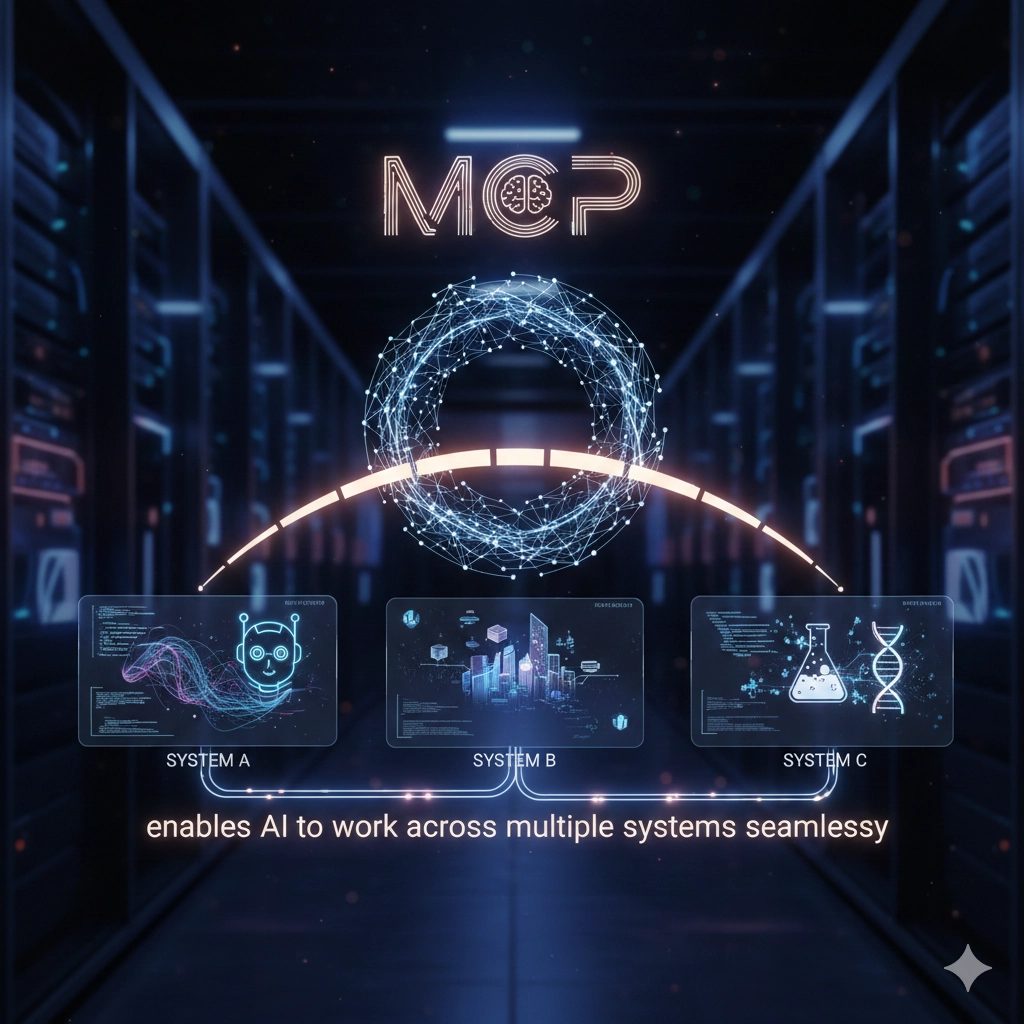
MCP enables AI to work across multiple systems seamlessly
Security and Governance
Connecting AI to your data raises valid security concerns. MCP addresses these through several mechanisms:
Principle of Least Privilege
Each MCP server runs with minimal permissions. A filesystem server can be restricted to specific directories. A database server can use read-only credentials. This limits potential damage from misuse or compromise.
Explicit Permission Model
MCP clients must explicitly request access to resources and tools. Users can review and approve these requests before granting access. This creates an audit trail of what AI can access.
Local Execution
MCP servers typically run on your infrastructure, not on external services. Your data never leaves your control. The AI model might run in the cloud, but the MCP server acts as a secure gateway that enforces your policies.
- Credential management: MCP servers use standard credential stores (environment variables, keychains, secret managers)
- Network isolation: Servers can run behind firewalls with no inbound access required
- Audit logging: All MCP interactions can be logged for compliance and security review
- Rate limiting: Servers can implement rate limits to prevent abuse
⚠️ Security Best Practices
Always validate MCP server implementations before deployment. Review permissions carefully. Use read-only credentials where possible. Monitor MCP server logs for unexpected behavior. Remember: MCP is a powerful tool that requires responsible configuration.
Comparing MCP to Alternatives
MCP isn't the first attempt at AI integration, but it learns from previous approaches:
| Approach | Strengths | Limitations |
|---|---|---|
| Custom APIs | Full control, optimized for use case | High development cost, no reusability |
| Function Calling | Native model support, simple | Requires custom code per integration |
| RAG Systems | Good for document search | Read-only, complex setup |
| MCP | Standardized, reusable, ecosystem | Requires MCP-compatible client |
The key advantage of MCP is ecosystem leverage. Instead of building everything yourself, you benefit from community contributions. As more MCP servers are created, every MCP-compatible client becomes more powerful automatically.
Getting Started with MCP
Ready to experiment with MCP? Here's a practical starting path:
Step 1: Choose an MCP Client
Claude Desktop is the easiest starting point—it has built-in MCP support. You can also use:
- Claude Code (CLI tool for developers)
- Custom applications built with the MCP SDK
- IDEs with MCP extensions (VS Code, Cursor)
Step 2: Install an MCP Server
Start with the filesystem server—it's simple and immediately useful:
Step 3: Test the Integration
Open your MCP client and try natural language requests:
- "What files are in my documents folder?"
- "Search for mentions of 'quarterly report' in my files"
- "Summarize the contents of project-notes.md"
The AI now has contextual access to your files through MCP, without you writing any integration code.
Step 4: Expand Your Capabilities
Add more MCP servers as you identify needs:
- Database server for data analysis
- GitHub server for code repository access
- Slack server for team communication
- Custom server for your proprietary systems

MCP makes AI integration accessible to teams of all sizes
💡 Start Small, Scale Gradually
Don't try to connect everything at once. Start with one valuable integration, prove the value, then expand. This minimizes risk and helps your team build expertise gradually.
Building Custom MCP Servers
Sometimes you need to connect to a system that doesn't have an existing MCP server. Building one is straightforward with the official SDK.
Basic MCP Server Structure (TypeScript)
This basic pattern can be extended to connect to virtually any system. The MCP SDK handles protocol details, so you focus on your integration logic.
⚠️ Server Development Best Practices
Always validate inputs, handle errors gracefully, implement rate limiting, log operations for debugging, and document your server's capabilities clearly. Remember that your server is an AI-accessible gateway to your systems.
The Future of MCP
MCP is still young, but its trajectory is clear. Here's what's emerging:
Standardization Across AI Platforms
More AI platforms are adding MCP support. As the standard gains adoption, integration becomes a one-time investment that works across all your AI tools.
Enterprise MCP Registries
Organizations are building internal registries of approved MCP servers. This creates consistency across teams while maintaining security and governance.
MCP-Native Applications
Applications designed from the ground up with MCP integration. Rather than bolting AI onto existing tools, new tools are being built where AI access is a first-class feature.
Cross-Organization MCP Networks
Imagine B2B integrations where your AI can securely access your partner's systems through MCP, with permissions and governance managed through the protocol itself.
MCP is laying the foundation for truly connected AI systems
Why MCP Matters Now
The AI integration problem is getting worse, not better. As AI becomes more capable, the pressure to connect it to real systems intensifies. Without a standard like MCP, we're heading toward a fragmented ecosystem of incompatible integrations.
MCP provides a path forward:
- For developers: Stop rebuilding the same integrations for each AI tool
- For organizations: Gain control over AI access to sensitive systems
- For the ecosystem: Enable innovation through shared infrastructure
The question isn't whether AI needs better integration—it's whether we'll solve it with standards or with chaos.
MCP represents the standards-based approach. It's open source, vendor-neutral, and designed for the long term. As the ecosystem matures, the organizations that adopt MCP early will have a significant advantage in AI capability and integration efficiency.
Further Reading and Resources
- Official MCP Documentation - Complete protocol specification and guides
- MCP GitHub Organization - Official SDKs and reference servers
- MCP Server Registry - Searchable directory of available servers
- Anthropic's MCP Announcement - Background and vision for the protocol
Final Thought
The Model Context Protocol isn't just another API standard—it's a fundamental shift in how we think about AI integration. By providing a universal language for AI assistants to interact with data and tools, MCP unlocks capabilities that were previously impractical or impossible.
The organizations that recognize this early and invest in MCP-based integration will find themselves with a significant competitive advantage. Not because they have better AI models, but because their AI can actually access and use the data and tools that matter.
Standards don't just make things easier—they make things possible.
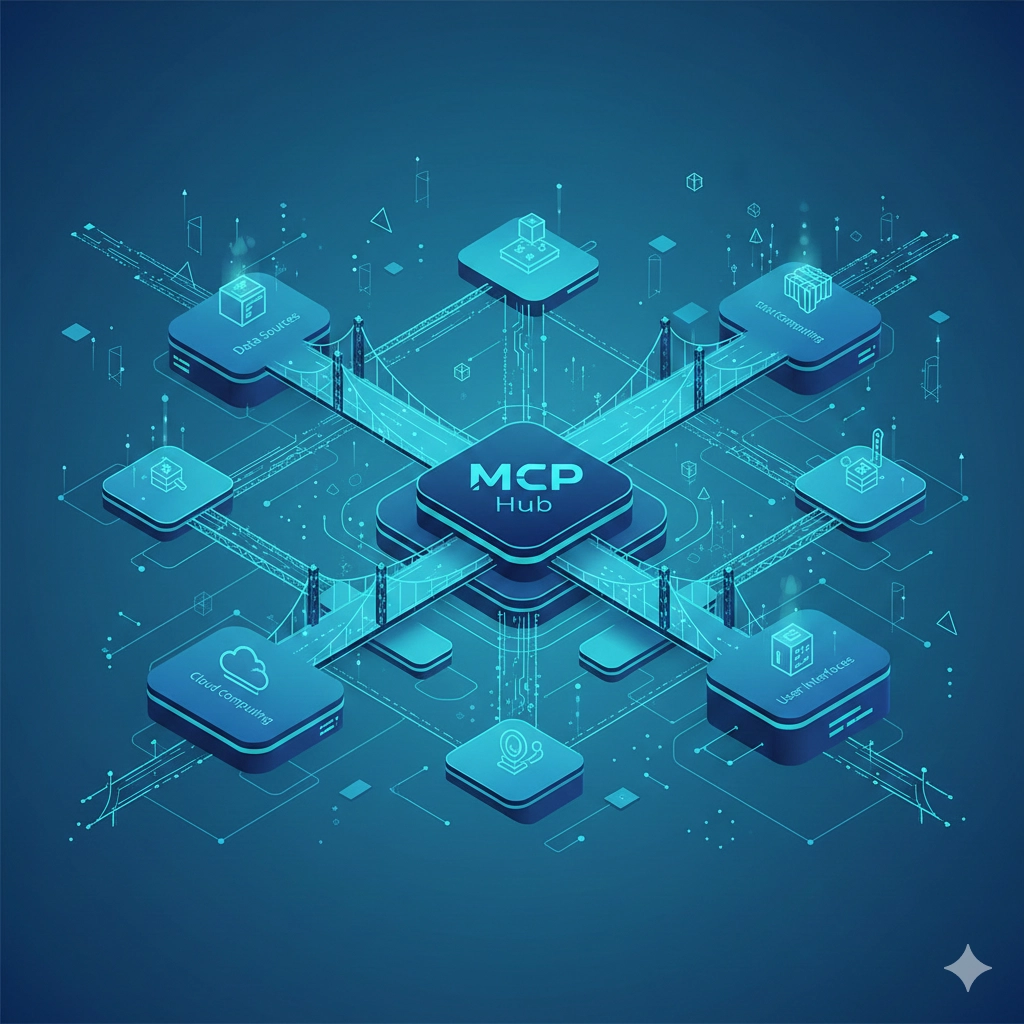
MCP is building bridges between AI capabilities and real-world systems